Your best plays,
saved by themselves.
PlayShot records every game in the background. Press one key and the moment's yours - trim it, share a link, done.
The PlayShot way
Press one key and the play is yours. No account, no watermark no catch. Just your best moments, saved by themselves and ready to share .
Everything happens in one app.
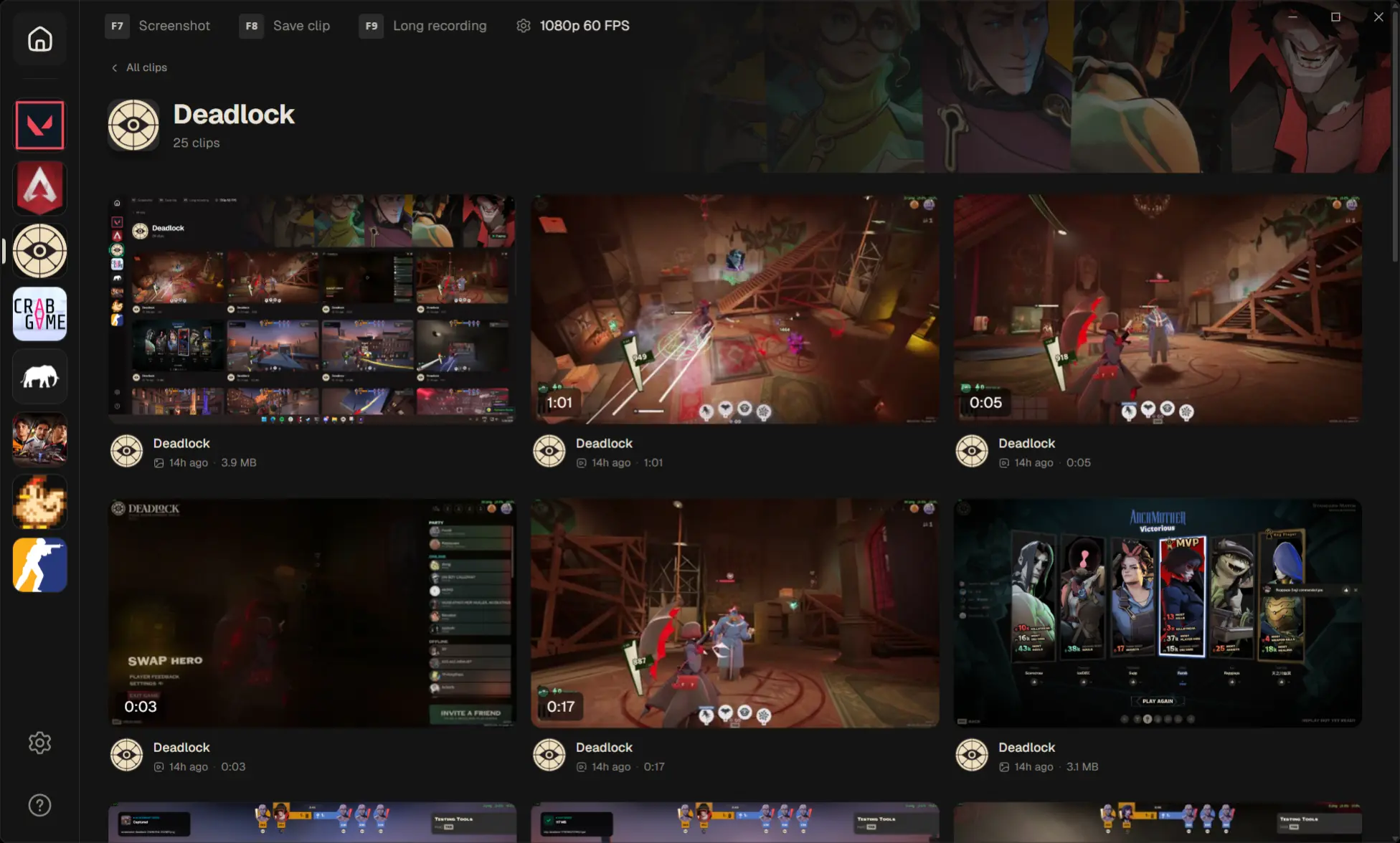
Every clip, sorted by game
Auto-filed under the game you launched. Your highlight reel, organized for you.
Save in one key
One hotkey, straight to your library. You never tab out.
Clip saved
Last 1:00
Separate audio tracks
Game, mic, and Discord on their own faders. Remix on export.
Trim and post in seconds
Cut it down, pick a thumbnail, export to MP4 or GIF. One screen.

Share a clip as a link
Drop one link in chat. Friends watch in the browser, no download.
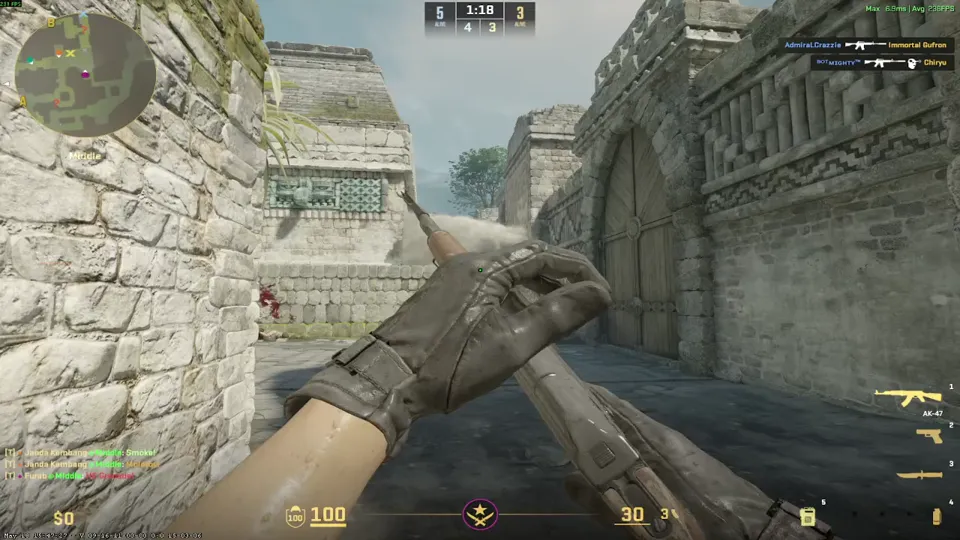 0:03
0:03Always rolling in the background
A continuous loop in memory - 30 seconds to 5 minutes, your call.
Runs light. Plays nicer.
No recording
Recording with PlayShot
A heavier recorder
Clip freely. No strings.
How PlayShot compares to the usual options.
| PlayShot | Medal | Outplayed | ShadowPlay | |
|---|---|---|---|---|
| Free, no catch | Paywalled extras | Ads on free | ||
| No account | To share | To share | Required | |
| No watermark | Paid only | Paid only | ||
| No ads | No | No | ||
| Clips never expire | Cloud ~3mo | |||
| Works on any gaming PC | NVIDIA only |
Reflects each tool's free tier as of mid-2026 and can change.
FAQ
Does it slow my game down?
It records on your GPU's dedicated video hardware, so the FPS hit is minimal. Cap the resolution and framerate to keep it lighter still.
Do I need an account?
No. There's nothing to sign up for or log into. A clip only ever leaves your PC if you choose to create a share link.
Where are my clips stored?
On your own drive, as ordinary video files. Open the folder, move them, back them up, or delete them like anything else.
Why does Windows warn me when I install it?
It's newer, so SmartScreen shows a generic “unrecognized app” notice. Click “More info,” then “Run anyway.”
Which games does it work with?
Most PC games on DirectX, Vulkan, or OpenGL, from any launcher or a standalone exe.
How much does it cost?
It's free to download and use. No trial timer, no paywall on the save button.